
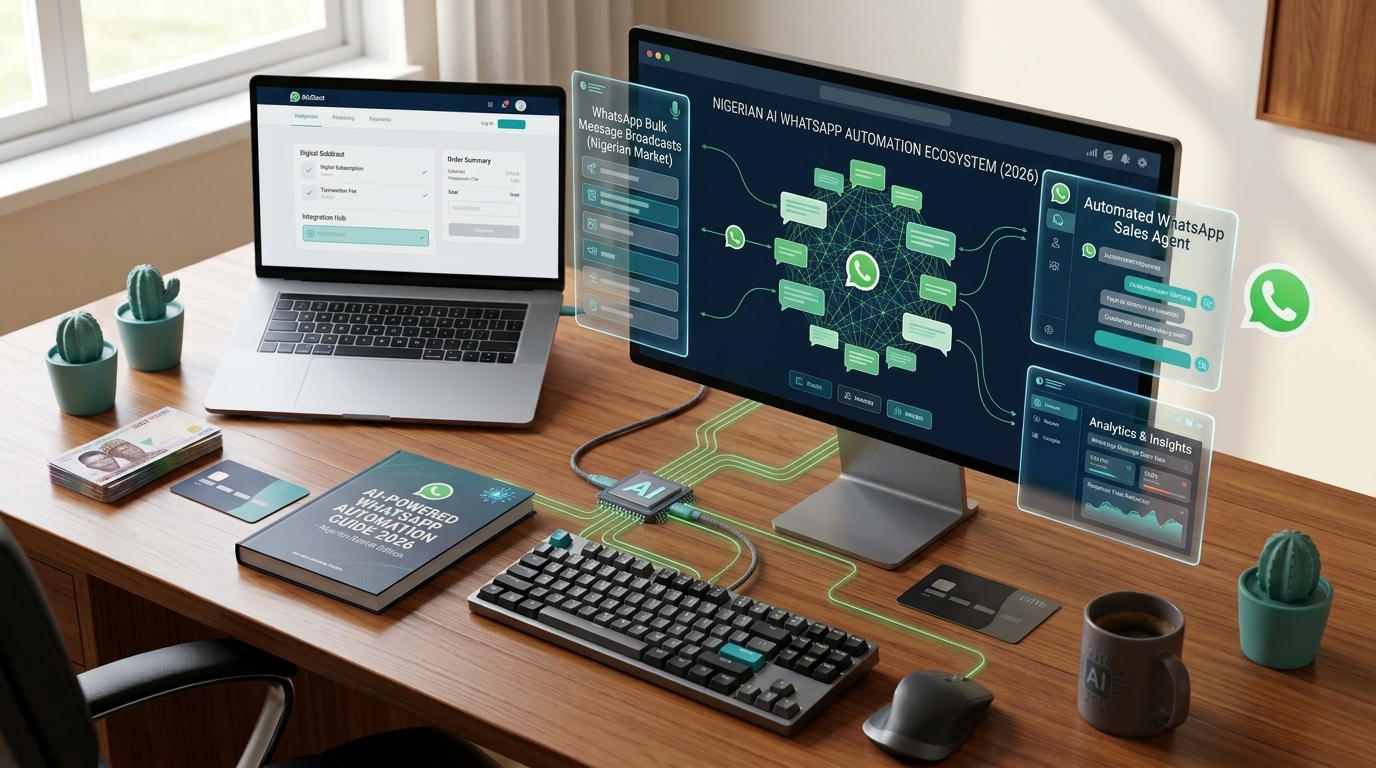
For many Nigerian businesses, WhatsApp is the shop. Customers ask for prices, check availability, place orders, and send payment proof, all in one chat.
But there's a problem. You can't reply to everyone instantly. Messages pile up at night, during meetings, and on weekends. And customers who wait too long simply buy from someone else.
The good news: you can automate a lot of it, including with AI. This guide explains what's possible in 2026, what WhatsApp now allows, and how to get started.
"Didn't WhatsApp ban AI chatbots?"
You may have heard this, and it's partly true, which is why many business owners are confused.
From January 15, 2026, Meta stopped allowing general-purpose AI assistants on the WhatsApp Business Platform. These are chatbots whose whole purpose is to answer any question, like ChatGPT-style assistants offered as a service.
What's still allowed is exactly what most businesses need: AI that serves your own customers, such as:
- Answering questions about your products and services
- Taking orders and sending payment links
- Booking appointments and reservations
- Tracking orders and deliveries
- Sending reminders, receipts, and updates
If your AI helps customers buy from you or get support from you, you're on the right side of the rule.
WhatsApp Business App vs WhatsApp Business API
Before automating, it's important to know which WhatsApp you're on.
The WhatsApp Business App is the free app most small businesses use. It's great for getting started, but it's built for a person replying by hand on one or a few phones.
The WhatsApp Business API (also called the WhatsApp Business Platform) is built for businesses that want to connect WhatsApp to software. It's what makes real AI automation possible: smart replies, payment integration, connection to your inventory, and many conversations at once.
The API isn't downloaded from the Play Store. You access it through Meta directly or through an approved provider, usually with help from a developer.
Free automation you can set up today
If you're on the WhatsApp Business App, start with these free built-in tools:
- Greeting message: automatically welcomes new customers and tells them what you offer
- Away message: replies when you're closed so customers aren't ignored
- Quick replies: save answers to common questions, like prices or delivery fees, and send them with a shortcut
- Catalogue: show your products with photos and prices inside WhatsApp
- Labels: organise chats into new orders, pending payment, delivered, and so on
These won't think for you, but they'll save hours every week.
What an AI agent on WhatsApp can do
When basic tools aren't enough, a custom AI agent connected to the WhatsApp Business API can work like a trained staff member who never sleeps:
- Answer questions in natural language, including follow-ups, not just fixed menus
- Check stock and prices from your real inventory
- Take orders and send a Paystack or Flutterwave payment link
- Confirm payments automatically and send a receipt
- Book appointments into your calendar and send reminders
- Collect customer details for delivery or follow-up
- Hand over to a human when a question is complex or a customer is upset
- Reply in a friendly tone that matches your brand
The goal isn't to replace your team. It's to handle the repetitive 80% so your people can focus on the conversations that really need them.
Which businesses benefit most?
WhatsApp automation works especially well for:
- Online stores and fashion vendors answering "How much?" all day
- Restaurants and food vendors taking orders and delivery details
- Hotels and short-let apartments handling bookings and enquiries
- Clinics, salons, and spas scheduling appointments and reminders
- Schools and training centres answering fee and admission questions
- Logistics companies giving delivery updates
- Real estate businesses qualifying leads and booking inspections
Signs your business is ready to automate
- You answer the same questions dozens of times a day
- Customers complain about slow replies
- You lose sales at night or on weekends
- Staff spend hours confirming payments manually
- Orders get missed because chats are scrolling too fast
- You want to grow without hiring more customer service staff
If three or more apply, automation will likely pay for itself quickly.
What does it cost?
Costs usually come from two places:
- WhatsApp's own charges: Meta charges businesses on the API for certain types of messages, such as marketing messages, and the rules depend on who starts the conversation and when. Meta has updated its pricing several times recently, so check the current rates for Nigeria before you budget.
- Building and running the system: the AI agent, integrations with your payments and inventory, and hosting.
A well-built setup is designed to keep message costs down, for example by sending complete answers instead of many tiny messages, and by using marketing messages only when they'll actually bring sales.
How to get started
- Write down your 20 most common customer questions and the correct answers
- List the tasks you want handled: orders, bookings, payment confirmation, delivery updates
- Decide when a human should take over
- Choose a dedicated business number for your WhatsApp automation
- Get your business verified with Meta, which unlocks better features and builds trust
- Start small, test with real customers, then expand
Common mistakes to avoid
- Sending bulk promotional messages without permission. Customers can block or report you, which hurts your account.
- Building a bot with no way to reach a human. Customers hate getting stuck.
- Giving the AI wrong or outdated prices. Keep it connected to your real data.
- Trying to automate everything at once. Start with the questions that take most of your time.
- Using unofficial WhatsApp tools. Unapproved bulk-messaging apps can get your number banned.
Let us build your WhatsApp AI agent
At Navoteq Technologies, we build AI agents and automations for Nigerian businesses, connected to WhatsApp, your website, Paystack or Flutterwave, and your inventory or booking system. We design them to follow WhatsApp's rules, sound like your brand, and hand over to your team when needed.
Talk to us:
- Phone: 0913 025 7401
- Email: navoteqltd@gmail.com
- Website: navoteq.com
Not sure what to automate first? Send us your most common customer questions, and we'll show you what an AI agent could handle.